The Threads n8n node connects a Threads account to n8n for publishing posts, checking insights, and managing replies. It supports text, image, video, and carousel posts.
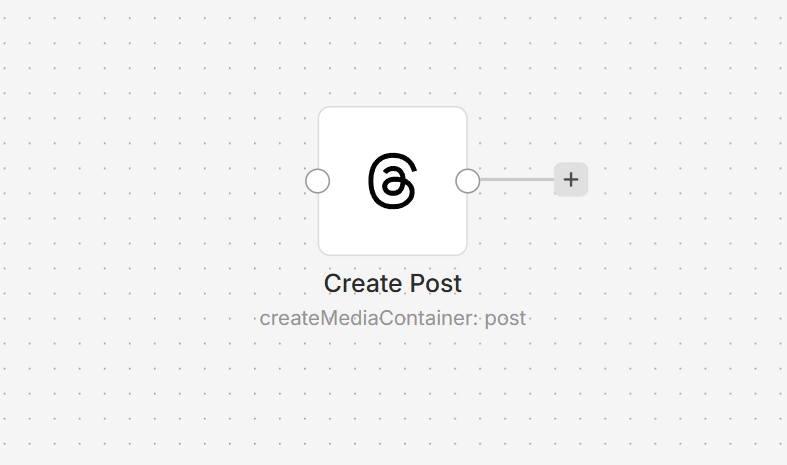
Connect Threads to n8n
- Install the @nativeship/n8n-nodes-threads community node in your n8n instance.
- Create a Meta app with Threads access and add the OAuth redirect URL shown in n8n.
- In n8n, create a Threads OAuth2 API credential with the app's Client ID and Client Secret, then authorize your Threads account.
What you can do
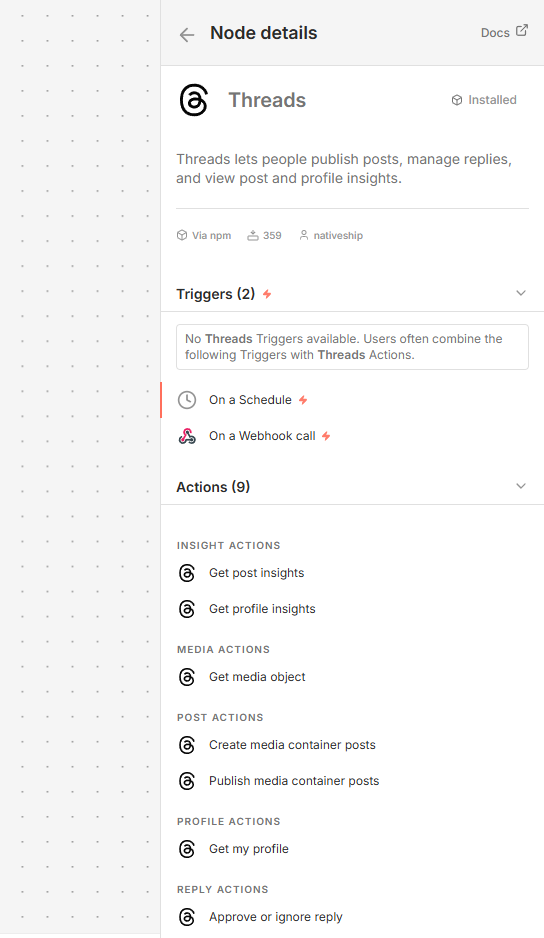
Create a post container and publish it as text, an image, a video, or a carousel.
Retrieve your profile, media details, and available post or profile insights.
List pending replies, approve or ignore them, and hide or unhide replies.
Built with NativeShip
NativeShip created and maintains this Threads node. NativeShip helps SaaS companies launch and maintain verification-ready n8n community nodes in minutes.
Want to launch an n8n node for your SaaS? Explore NativeShip.