The Post Bridge n8n node lets you create and schedule social posts from n8n. You can also check publishing results and retrieve analytics from your Post Bridge account.
Connect Post Bridge to n8n
- Create an access key in your Post Bridge account.
- In n8n, create a Post Bridge API credential and paste the key into Access Token.
- In the Post Bridge node, set Options → Destination URL to
https://api.post-bridge.com. - Run Social Accounts → Get Many to confirm the connection and find your social account IDs.
Important: This community node currently requires self-hosted n8n.
What you can do
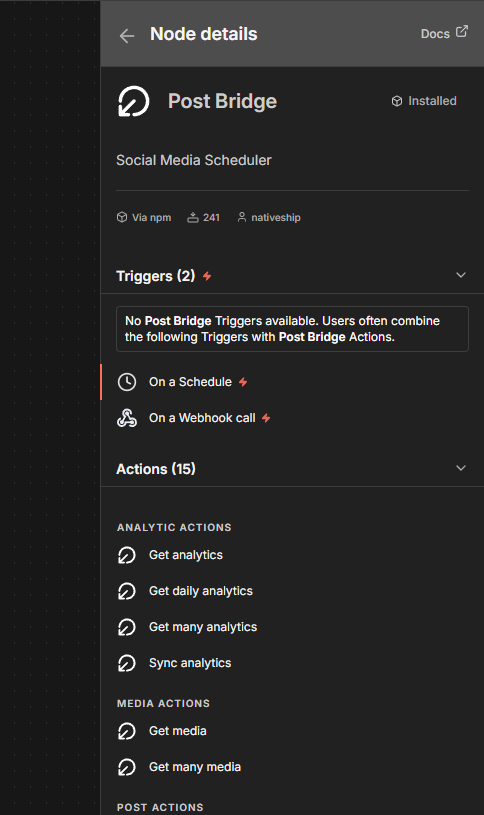
Use Posts → Create Post / Schedule Post to publish now, schedule a post, or save a draft. Choose the connected social accounts you want to post to and add media when the platform requires it.
Use Post Results to check whether a post published and find its live URL. Use Analytics to retrieve performance data for published posts.
Built with NativeShip
NativeShip created and manages this Post Bridge node. It helps SaaS companies launch official, verification-ready n8n community nodes in minutes and keep them updated as their product changes, so customers can use the product in their own workflows.
Want to launch an n8n node for your SaaS? Explore NativeShip.