The SuperX n8n node connects SuperX to n8n for managing X (Twitter) content, analytics, and audience data. Use it to prepare posts, review performance, and work with contacts and engagement.
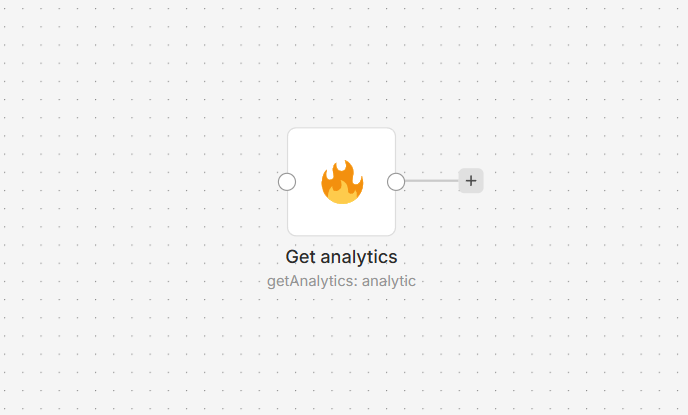
Connect SuperX to n8n
- Install the @nativeship/n8n-nodes-superx community node in your n8n instance.
- In SuperX, create an API key from Account > API / MCP / CLI.
- In n8n, create a SuperX API credential, paste the key into Access Token, and select the resource and action you need.
What you can do
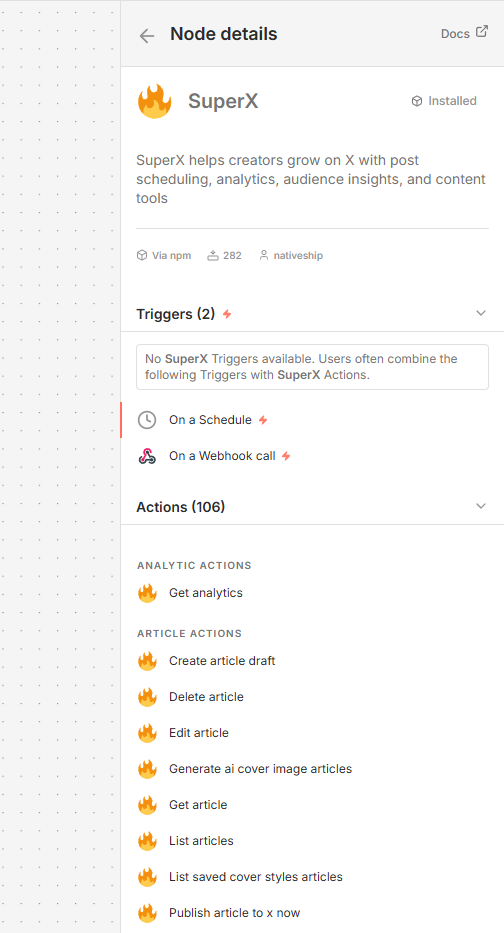
Draft, edit, schedule, or publish X posts. You can also list published posts and retrieve post analytics.
Create and manage article drafts, schedule or publish articles, and generate article cover images.
Work with audience data by collecting and refining datasets, finding leads, managing contact lists and notes, and reviewing replies and mentions.
Use SuperX content tools to write or rewrite posts and draft replies.
Built with NativeShip
NativeShip created and maintains this SuperX node. NativeShip helps SaaS companies launch and maintain verification-ready n8n community nodes in minutes.
Want to launch an n8n node for your SaaS? Explore NativeShip.