The Personio n8n node connects HR records with your n8n workflows. It supports actions for people and employment, absences, attendance, organizational data, compensation, projects, reports, and recruiting records.
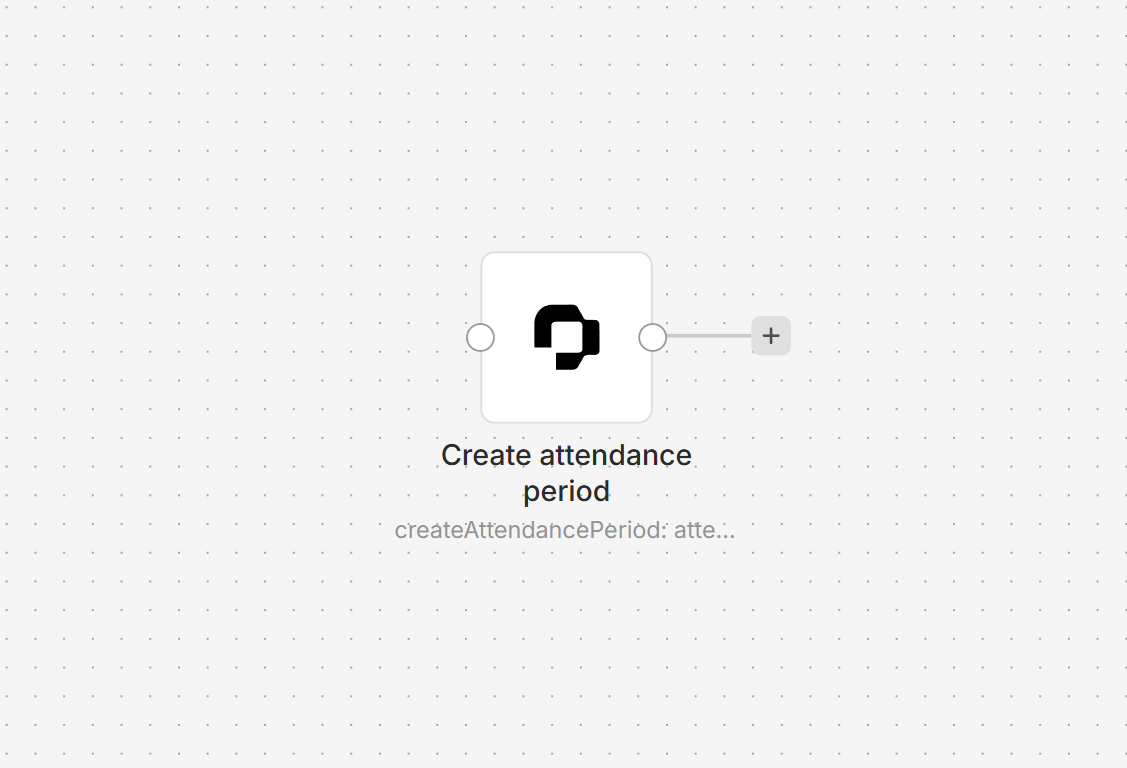
Connect Personio to n8n
- Install
@nativeship/n8n-nodes-personiofrom Settings > Community Nodes in n8n. - In Personio, create a custom integration from Marketplace > Connected Integrations and grant the read and write access your workflows need. Personio requires a Core Pro plan to create custom integrations.
- Use the integration's Client ID and API secret to obtain a bearer access token. In n8n, create a Personio API credential and enter the token in Access Token.
- Add the Personio node and choose a resource and action. Personio access tokens are valid for 24 hours, so plan to renew the token for ongoing workflows.
What you can do
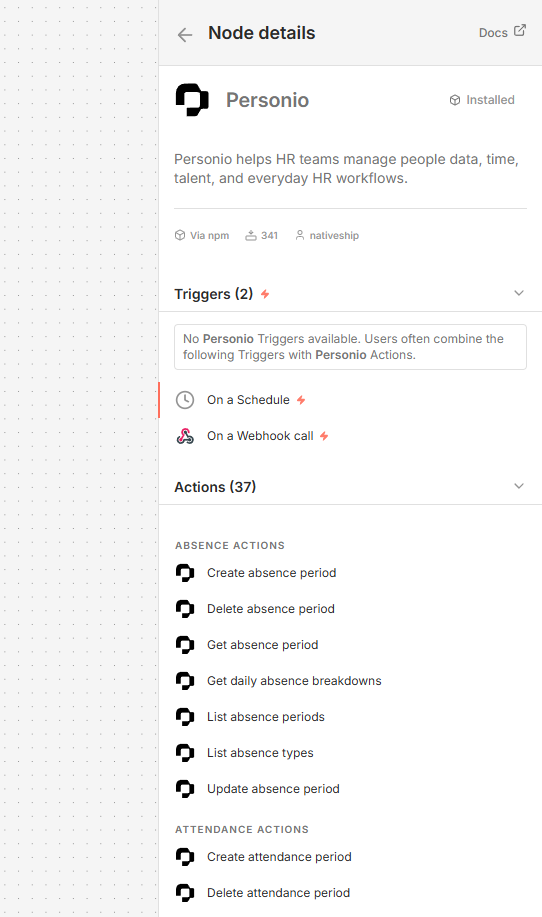
Retrieve, create, update, and manage person records, employment details, absences, and attendance periods. The node also includes actions for organizational units, compensation records, projects, and reports.
For recruiting, you can list candidates, applications, job categories, and open positions.
Built with NativeShip
NativeShip created and manages this Personio node. NativeShip helps SaaS companies launch and maintain official, verification-ready n8n community nodes in minutes, so customers can use their products directly in n8n.
Want to launch an n8n node for your SaaS? Explore NativeShip.