The Factorial n8n node brings employee, attendance, time-off, and recruiting operations into n8n. Use it to manage employee records, track shifts, handle leave requests, and work with job postings and applications.
Connect Factorial to n8n
- Install
@nativeship/n8n-nodes-factorialhrfrom Settings > Community Nodes in n8n. - In Factorial, an admin can create an OAuth application under Settings > Advanced configuration > OAuth applications. Add the redirect URL shown in your n8n credential settings and select the scopes needed for your actions.
- In n8n, create a Factorial OAuth2 API credential with the application's Client ID and Client Secret, then authorize your Factorial account.
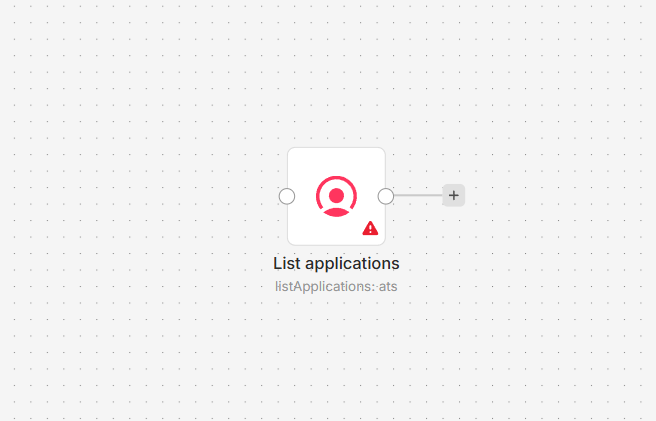
- Add the Factorial node and choose a resource and action.
What you can do
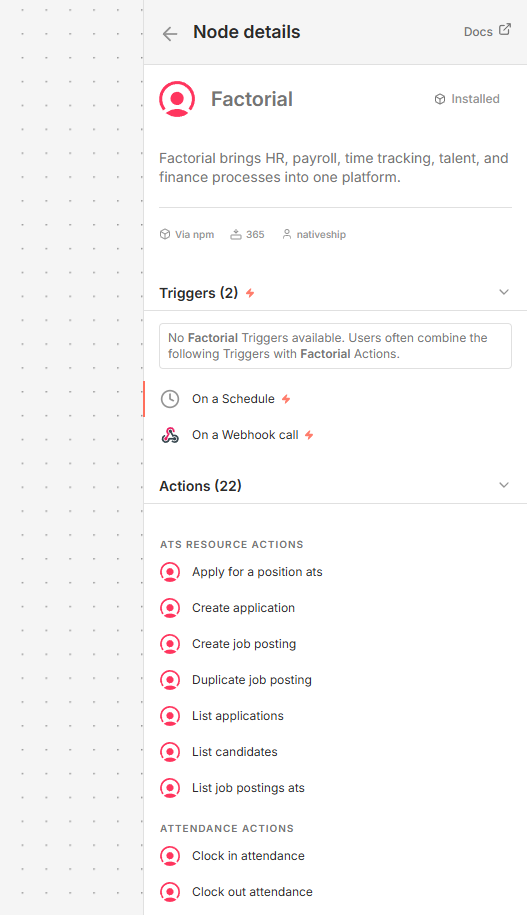
Create, retrieve, update, list, or delete employee records. For attendance and time off, clock shifts in or out, create or list shifts, and create or list leave requests.
Recruiting actions let you manage candidates, applications, and job postings. The node also supports tasks, finance accounts, and webhook subscriptions.
Built with NativeShip
NativeShip created and manages this Factorial node. NativeShip helps SaaS companies launch and maintain official, verification-ready n8n community nodes in minutes, so customers can use their products directly in n8n.
Want to launch an n8n node for your SaaS? Explore NativeShip.