The TrustMRR n8n node lets you read verified startup revenue and marketplace data in your workflows. Use it to find startups that match your criteria or retrieve the details of one startup.
Connect TrustMRR to n8n
- Install
@nativeship/n8n-nodes-trustmrrfrom Settings → Community Nodes in n8n. - Create a TrustMRR developer key in your TrustMRR account.
- In n8n, create a TrustMRR API credential and paste the key into Access Token.
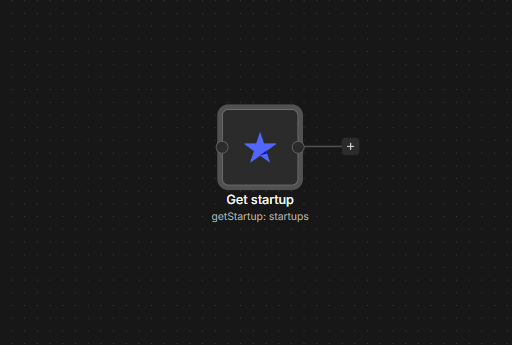
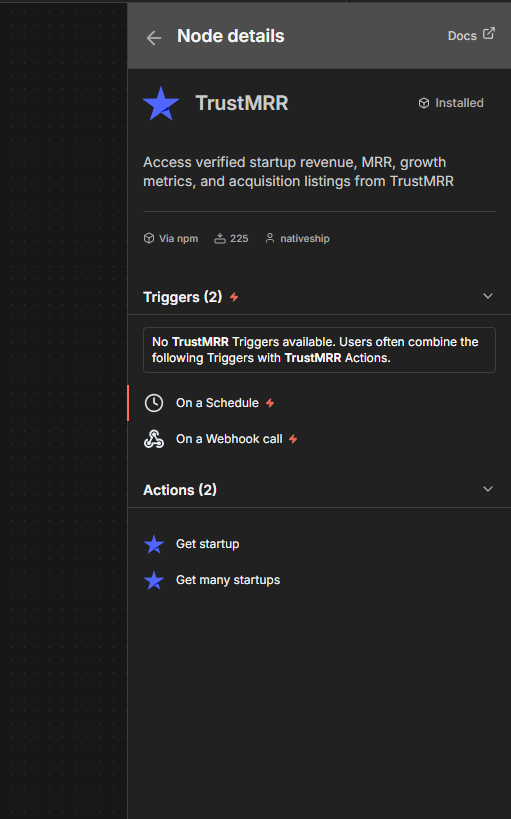
- Add the TrustMRR node and choose Startup → Get or Get Many.
What you can do
Use Startup → Get Many to browse startups. You can filter by category, MRR, growth, funding status, or whether a startup is for sale. Sorting and page controls help you narrow the results.
Use Startup → Get with a startup's slug to retrieve its full profile, including available revenue metrics, tech stack, cofounders, and insights.
Built with NativeShip
NativeShip created and manages this TrustMRR node. It helps SaaS companies launch official, verification-ready n8n community nodes in minutes and keep them updated as their product changes, so customers can use the product in their own workflows.
Want to launch an n8n node for your SaaS? Explore NativeShip.