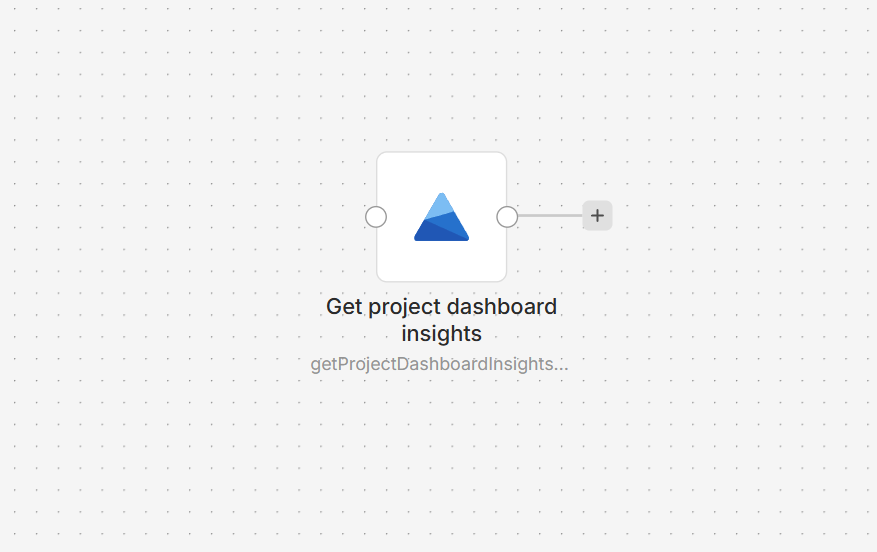
The Microsoft Clarity n8n node retrieves project dashboard insights for use in workflows. Review metrics for traffic, engagement, scrolling, clicks, and script errors, with optional breakdowns by dimensions such as URL, device, country, source, or campaign.
Connect Microsoft Clarity to n8n
- Install the @nativeship/n8n-nodes-microsoft-clarity community node in your n8n instance.
- In your Clarity project, open Settings > Data Export and generate an API token. A project admin must create the token.
- In n8n, create a Microsoft Clarity API credential and paste the token into Access Token.
- Add the Microsoft Clarity node and choose the reporting period and any dimensions to group by.
What you can do
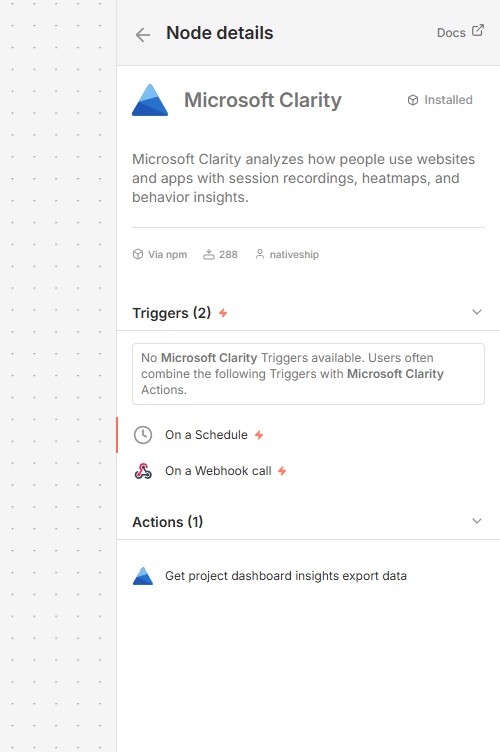
Retrieve dashboard data for the previous 1, 2, or 3 days. Choose up to three dimensions, such as browser, device, country or region, source, campaign, channel, or URL.
Use the returned metrics to review traffic, engagement, scroll depth, clicks, and script errors. This node retrieves dashboard insights; session recordings and heatmaps are viewed in Clarity.
Built with NativeShip
NativeShip created and maintains this Microsoft Clarity node. NativeShip helps SaaS companies launch and maintain verification-ready n8n community nodes in minutes.
Want to launch an n8n node for your SaaS? Explore NativeShip.