The SendPilot n8n node lets you work with your LinkedIn outreach data from n8n. You can manage existing campaigns, add and update leads, read inbox conversations, and send messages through connected sender accounts.
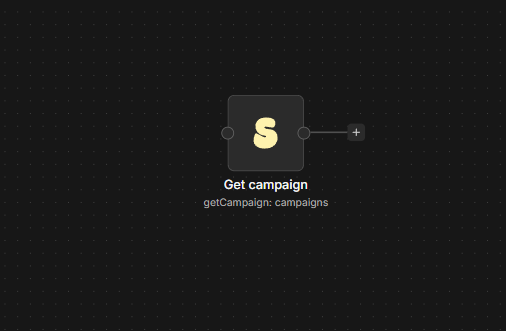
Connect SendPilot to n8n
- Install
@nativeship/n8n-nodes-sendpilotfrom Settings → Community Nodes in n8n. - In SendPilot, create a key under Integrations → API Keys.
- In n8n, create a SendPilot API credential and paste the key into X-API-Key.
- Add the SendPilot node to a workflow and choose a resource and operation.
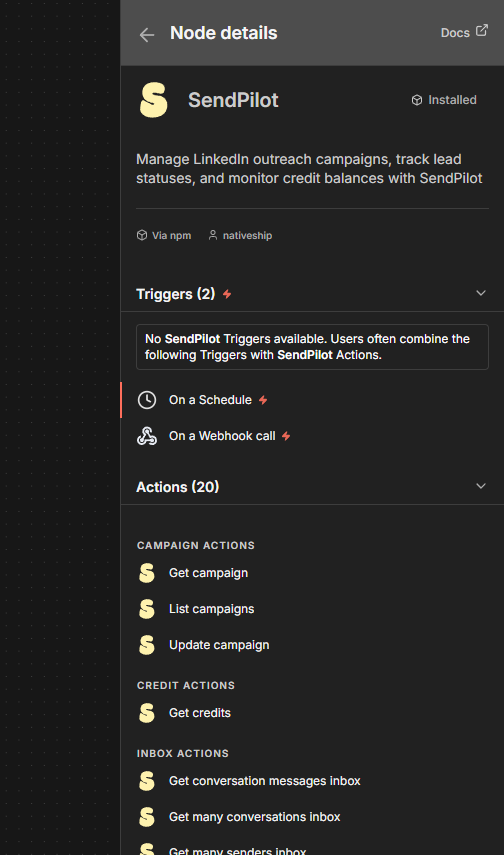
What you can do
Use Campaign → List or Get to check campaign details. Campaign → Update lets you pause or resume an existing campaign.
Use Lead → Add Leads To Campaign to add leads, or Update Lead Status to record their progress. The Lead Database actions let you start a search and retrieve its results.
Use Inbox actions to read conversations, find connected senders, send a message, or send a connection request. Credit → Get shows the available credit balance.
Built with NativeShip
NativeShip created and manages this SendPilot node. It helps SaaS companies launch official, verification-ready n8n community nodes in minutes and keep them updated as their product changes, so customers can use the product in their own workflows.
Want to launch an n8n node for your SaaS? Explore NativeShip.