Skip to content

TypeSafe n8n community node

Published with provenancePublished with provenancenpm holds a signed attestation linking this release to the exact source commit and CI run that built it, so you can check what you install was built from the code it claims.What provenance means

@nativeship/n8n-nodes-typesafe

Use the TypeSafe node in n8n to classify content, check yes-or-no conditions, and score text with structured results and confidence values

Install in n8n

Open Settings → Community Nodes → Install and paste this name.

@nativeship/n8n-nodes-typesafe

n8n Cloud installs only community nodes verified by n8n, so this one needs self-hosted n8n.

What you can do with TypeSafe in n8n

2 operations across 1 resource

Evaluation & Models

2 operations

  • Get Many Models — Returns the models and aliases your account can use.
  • Ask Questions — Tests your input text against yes/no questions, multiple-choice options, or custom score levels

About TypeSafe

The TypeSafe node brings Jev, TypeSafe’s model for structured decisions, into n8n. Evaluate text or structured data with yes-or-no checks, classifications, and custom scoring questions, then use the returned values in the next steps of your workflow.
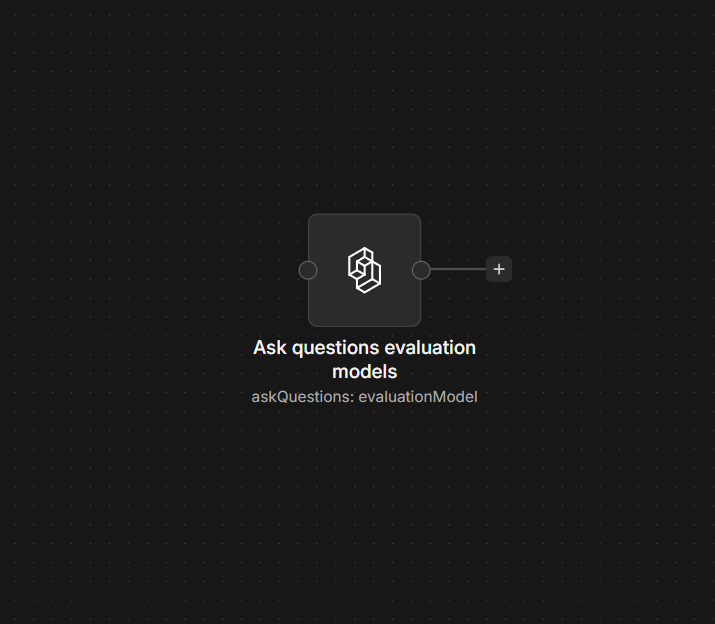
TypeSafe Evaluate Content node on an n8n workflow canvas

Connect TypeSafe to n8n

  1. Install @nativeship/n8n-nodes-typesafe from Settings → Community Nodes in n8n.
  2. Create an access token in your TypeSafe dashboard.
  3. In n8n, create the TypeSafe API credential and enter the token in Access Token.
  4. For each operation you use, open Options → Destination URL and set it to https://api.typesafe.ai.
  5. Choose Evaluate Content or Get Many Models.

The node’s default destination is a placeholder, so set the TypeSafe URL before running an operation.
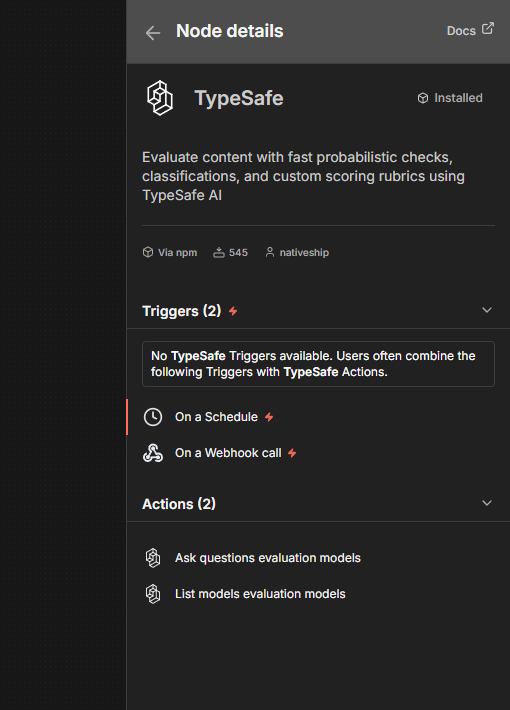
TypeSafe node details in n8n showing Evaluate Content and Get Many Models actions

What you can do

Use Evaluate Content to check a text or structured State with one or more named questions. Choose Noul for a yes-or-no probability, Choice to select from options you define, or Score to rate the content against ordered levels. Choice and Score results include probabilities and a confidence value.

Use Get Many Models to see which model names and aliases are available for evaluations.

Built with NativeShip

NativeShip created and manages this TypeSafe node. NativeShip helps SaaS companies launch and maintain official, verification-ready n8n community nodes in minutes, so customers can use their products directly in n8n.

Want to launch an n8n node for your SaaS? Explore NativeShip.

TypeSafe questions

It sends content to Jev for structured evaluation. The node can return yes-or-no probabilities, a choice from options you provide, or a score based on levels you define.

Use Noul for yes-or-no checks, Choice for a selection from named options, and Score for a rating across ordered levels.

Create an access token in your TypeSafe dashboard, then enter it in the Access Token field of the TypeSafe API credential in n8n. Set Destination URL to https://api.typesafe.ai in the operation’s options.

It returns the model names and aliases available for use with Evaluate Content.

Choice and Score results include probabilities and a confidence value. Noul returns the probability that the answer is yes.

All AI & LLM nodes
  • Supermemory

    Published with provenancePublished with provenancenpm holds a signed attestation linking this release to the exact source commit and CI run that built it, so you can check what you install was built from the code it claims.What provenance means

    @nativeship/n8n-nodes-supermemory

    Use the Supermemory n8n node to add documents and memories, search stored knowledge, and retrieve user profiles in your workflows

    264 downloads last week

Ready to launch your own n8n community node?

Give your customers another way to use your product.

Start building