The Supermemory n8n node brings long-term memory and document search into your workflows. You can add content to Supermemory, retrieve relevant information later, and work with profiles tied to a user or project.
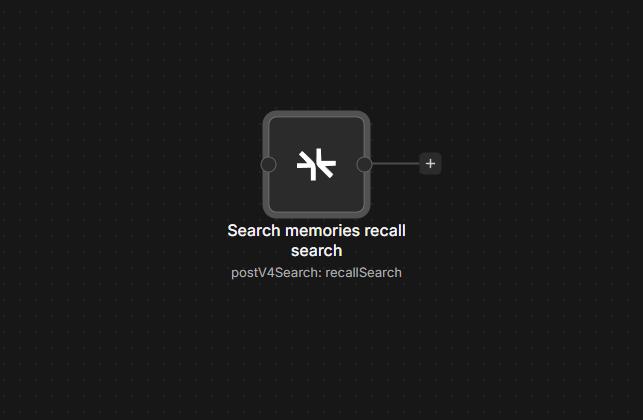
Connect Supermemory to n8n
- Install
@nativeship/n8n-nodes-supermemoryfrom Settings → Community Nodes in n8n. - Create an access key in your Supermemory account.
- In n8n, create a Supermemory API credential and paste the key into Access Token.
- Add the Supermemory node to a workflow, then choose a resource and operation.
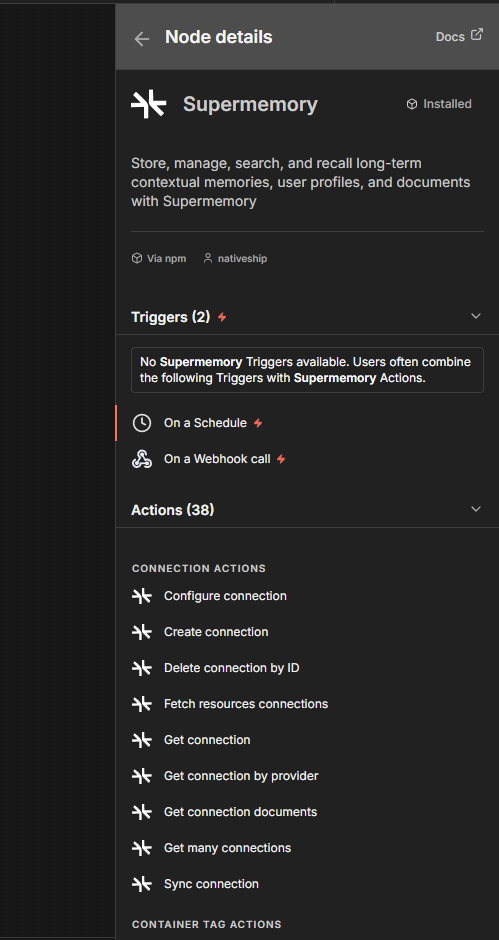
What you can do
Use Content Management → Create Memories to store facts you want to recall. You can also update, list, or forget memories.
Use Ingest → Add Document or Upload Document File to add content. The node can also ingest conversations and manage existing documents.
Use Recall & Search → Search Memories to find relevant information. Profile → Get retrieves the contextual profile for a container tag, such as a user or project identifier.
Built with NativeShip
NativeShip created and manages this Supermemory node. It helps SaaS companies launch official, verification-ready n8n community nodes in minutes and keep them updated as their product changes, so customers can use the product in their own workflows.
Want to launch an n8n node for your SaaS? Explore NativeShip.