The Reoon Email Verifier n8n node lets you check email addresses from your workflows. It supports single-address checks and bulk verification tasks, with results that help you identify invalid or disposable addresses.
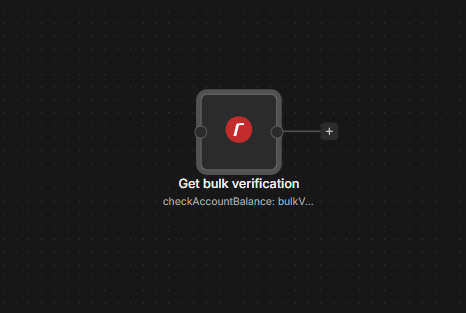
Connect Reoon Email Verifier to n8n
- Install
@nativeship/n8n-nodes-reoon-email-verifierfrom Settings → Community Nodes in n8n. - Create a key in your Reoon Email Verifier account.
- In n8n, create a Reoon Email Verifier API credential and paste the key into its key field.
- Add the Reoon Email Verifier node and choose an action. Create Bulk Verification Task also has a separate Key field to fill in.
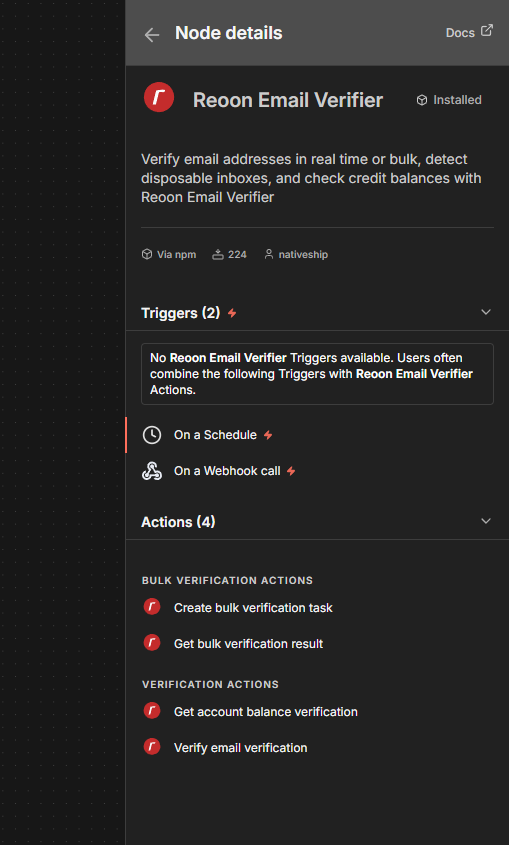
What you can do
Use Verification → Verify Email to check one address. Choose Quick for a faster check of the address and domain, or Power when you need deeper mailbox checks.
Use Bulk Verification → Create Bulk Verification Task to submit a list of email addresses for background verification. Reoon returns a task ID when it accepts the list.
Built with NativeShip
NativeShip created and manages this Reoon Email Verifier node. It helps SaaS companies launch official, verification-ready n8n community nodes in minutes and keep them updated as their product changes, so customers can use the product in their own workflows.
Want to launch an n8n node for your SaaS? Explore NativeShip.