The Outrank n8n node connects your workflows to the sites, keywords, and articles in your Outrank account. You can generate content, retrieve existing articles, and check search performance for a connected site.
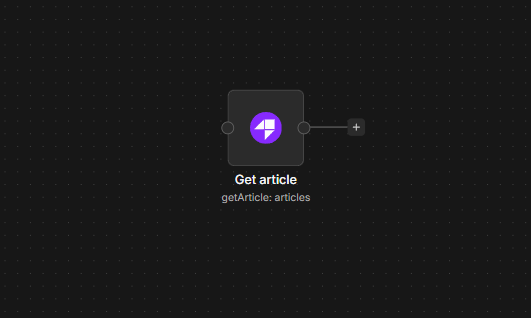
Connect Outrank to n8n
- Install
@nativeship/n8n-nodes-outrankfrom Settings → Community Nodes in n8n. - Create a key from API Keys in your Outrank dashboard. An organization admin needs to create it.
- In n8n, create an Outrank API credential and paste the key into Access Token.
- Add the Outrank node to a workflow, then choose a resource and operation.
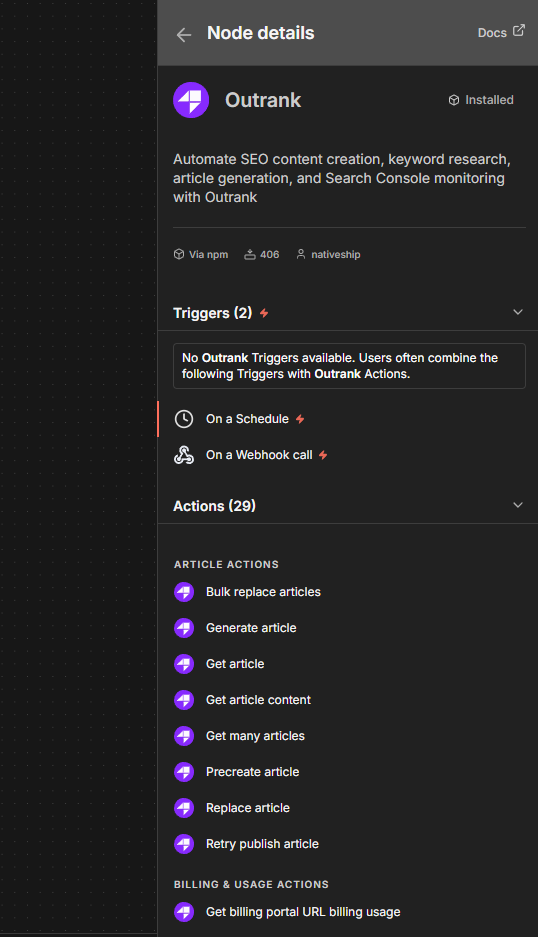
What you can do
Use Keyword → Generate to create keywords for a site, or Keyword → Get Many to retrieve the keywords already in Outrank.
Use Article → Generate to create an article. You can also list articles, get one by ID, retrieve its content, or retry a failed publish.
Use Product actions to find and manage the sites configured in your account. For a site connected to Google Search Console, Search Console → Get Search Console Performance retrieves its search data.
Built with NativeShip
NativeShip created and manages this Outrank node. It helps SaaS companies launch official, verification-ready n8n community nodes in minutes and keep them updated as their product changes, so customers can use the product in their own workflows.
Want to launch an n8n node for your SaaS? Explore NativeShip.