The iLovePDF n8n node lets you process PDF and image files from n8n and retrieve the results. It also includes actions for creating and checking electronic signature requests.
Connect iLovePDF to n8n
- Install
@nativeship/n8n-nodes-i-love-pdffrom Settings → Community Nodes in n8n. - Create a project in iLoveAPI to get its project keys and signed access token.
- In n8n, create an ILovePDF API credential and enter the token in Access Token.
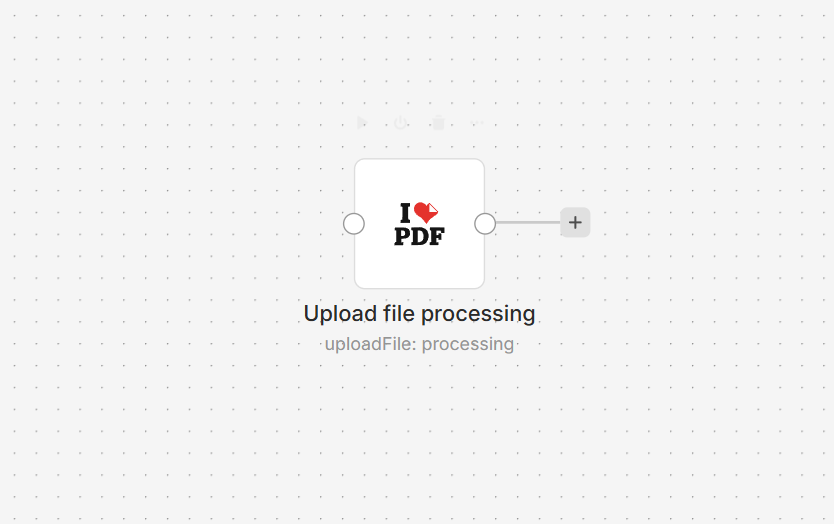
- Add the iLovePDF node and select an authentication, processing, or signature operation.
What you can do
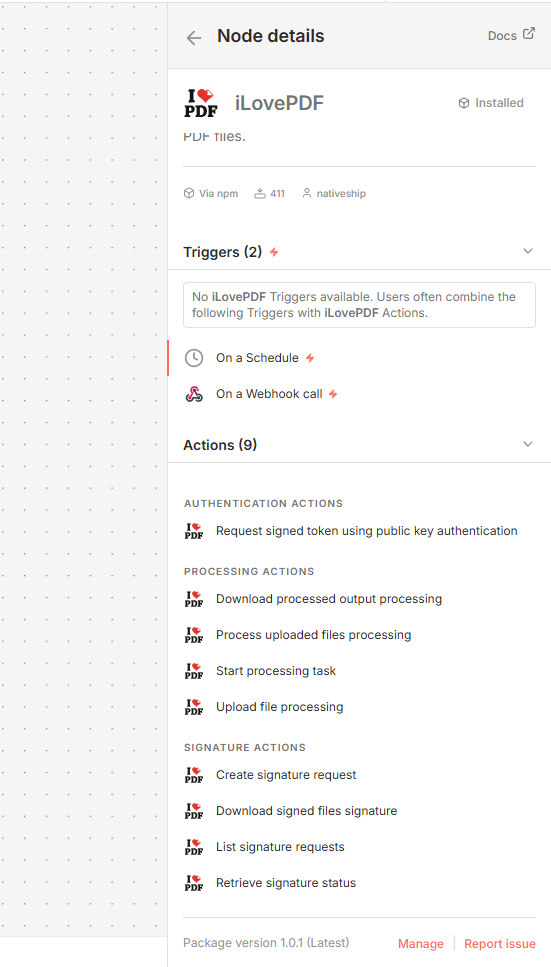
For file processing, start a task, upload a file, run a selected PDF or image tool, and download the processed output.
For signatures, create a signature request, list requests, check a request’s status, or download signed files.
Built with NativeShip
NativeShip created and manages this iLovePDF node. NativeShip helps SaaS companies launch and maintain official, verification-ready n8n community nodes in minutes, so customers can use their products directly in n8n.
Want to launch an n8n node for your SaaS? Explore NativeShip.