The Close n8n node connects your sales CRM with n8n. Use it to manage leads, contacts, and opportunities, keep sales activities and tasks up to date, and retrieve Close reports.
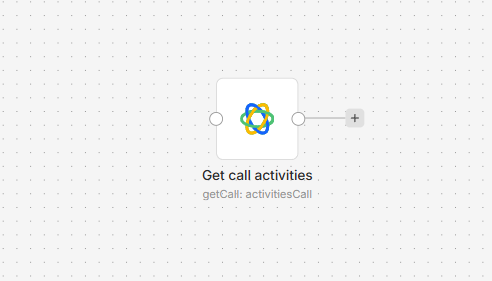
Connect Close to n8n
- Install
@nativeship/n8n-nodes-closefrom Settings > Community Nodes in n8n. - In Close, create an API key under Settings > Developer > API Keys.
- Add the Close node and choose API Key Auth under Authentication. Create a Close API credential, enter your key in Username, and leave Password blank. The node also offers OAuth2 authentication.
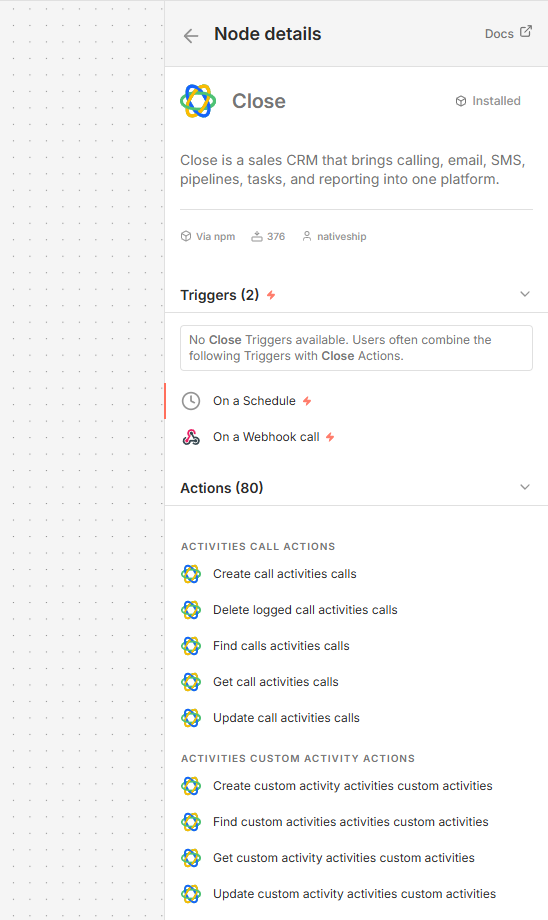
What you can do
Create, find, update, and merge leads; manage contacts and opportunities; create and update tasks and notes; and subscribe contacts to Close workflows. The node also includes actions for sales activities such as calls, emails, SMS, and WhatsApp messages, along with activity and opportunity reports.
Built with NativeShip
NativeShip created and manages this Close node. NativeShip helps SaaS companies launch and maintain official, verification-ready n8n community nodes in minutes, so customers can use their products directly in n8n.
Want to launch an n8n node for your SaaS? Explore NativeShip.